.png&w=3840&q=75)
01
Arrive and check in
Members can use QR attendance check-in where it is enabled by their gym, making the arrival step part of the same member experience.
QR check-in availability depends on gym setup.
FITCHAKRA · AURA AI
Fitchakra is the member-facing companion to Fithensive. Alongside gym services such as QR check-in and class bookings, it features AURA for AI-powered workouts, smart tracking, and fitness insights.
App services, access, and availability depend on the member’s gym and its setup.
Watch the Fitchakra logo form
Fitchakra for your gym day
Fitchakra brings everyday gym services into one member experience—from QR check-in and class bookings to personal training and Micro PT sessions. What you can access depends on the services your gym has enabled.
Members can use QR attendance check-in where it is enabled by their gym, making the arrival step part of the same member experience.
QR check-in availability depends on gym setup.
Browse your gym’s available classes and make a booking from the app, without needing to switch to another service.
Class schedules, availability, and booking rules are set by your gym.
Access personal training services and relevant workout information through the member experience when your gym offers them.
Personal training options depend on services offered by your gym.
Find and follow Micro PT sessions made available to you, helping you keep track of focused training between your regular gym visits.
Micro PT access and available sessions depend on your gym.
Meet AURA
AURA is Fitchakra’s AI fitness chatbot. Ask for fitness guidance and explore AI-powered workouts, with smart tracking and insights available in the app.
AURA brings a conversational fitness companion into the app.
Explore AI-powered workout experiences.
See activity and progress information available in Fitchakra.
Find app insights designed to evolve with your fitness journey.
More than a check-in screen
The app preview brings several member tools into view. Your gym decides which services are active and how members access them, so the exact home screen can vary.
Access the member experience with OTP sign-in.
Use QR attendance where the gym has enabled it.
Discover and book classes according to the gym’s schedule and rules.
Reach personal training and workout areas where they are available.
Open progress and report areas shown in the app experience.
Use in-app store checkout where the gym has enabled the service.
One connected ecosystem
Fithensive gives gym teams tools to manage members, memberships, billing, attendance, trainers, and other operations. Fitchakra is the member-facing layer for supported services and AURA—not a replacement for the team’s CRM.
Understand how the products fit together Ask about Fithensive pricingGym team
Manage day-to-day records and workflows.
Gym member
Use supported member-facing services.
Get Fitchakra
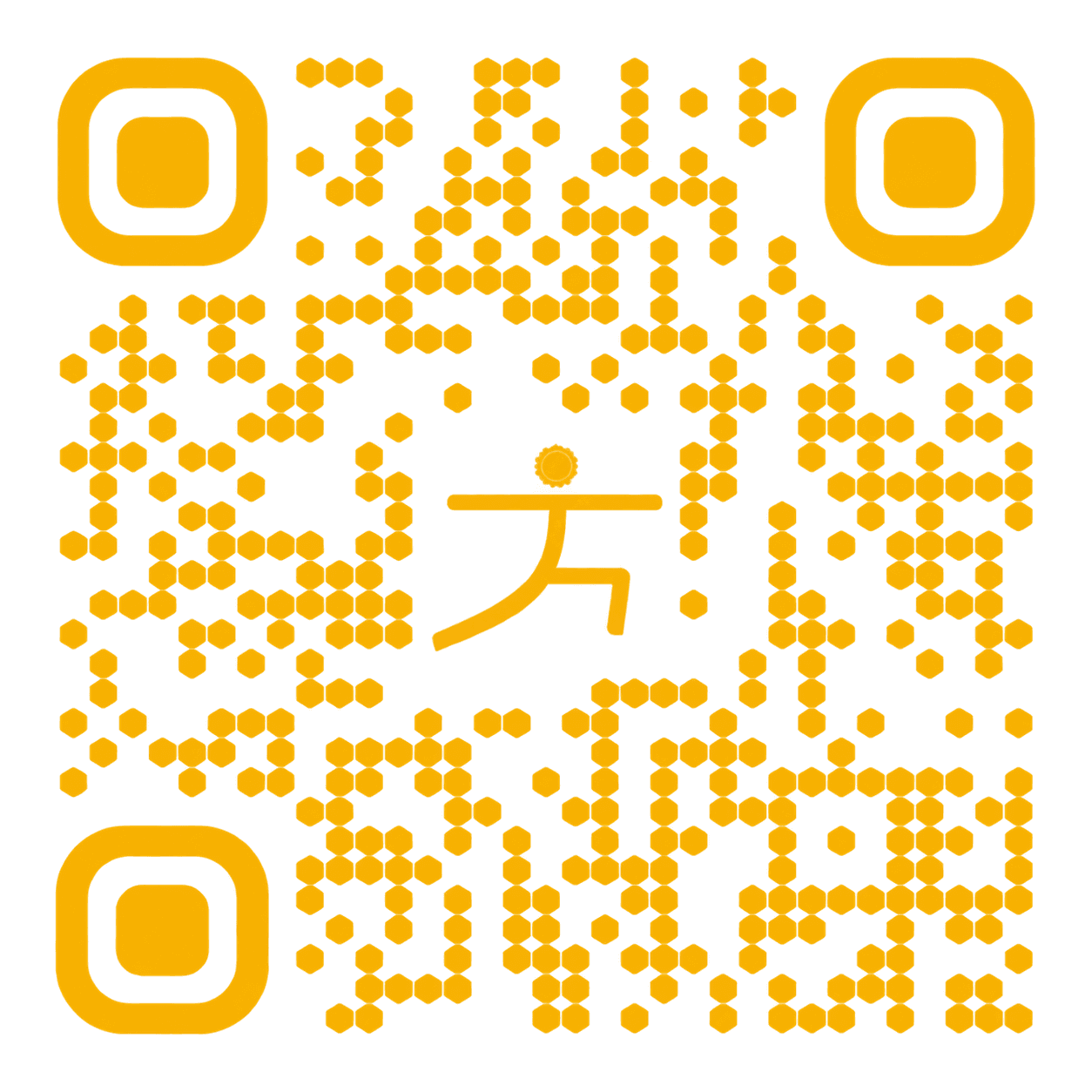
Scan the code to access the app download options. Members should check with their gym about available services and setup.
Fitchakra questions
App features are connected to each gym’s setup. Confirm availability and sign-in details with your gym.
Fitchakra is the mobile app that accompanies Fithensive, the gym team’s management CRM. It brings supported gym services into one experience for members.
Depending on their gym’s setup, members may use OTP sign-in, QR attendance check-in, class discovery and bookings, personal training and workout areas, progress areas, and in-app store checkout.
AURA is Fitchakra’s AI fitness chatbot and companion. It is presented alongside AI-powered workouts, smart tracking, and fitness insights. Available features may depend on the app and gym setup.
No. App access and services depend on which features the gym has enabled and how it has configured them. Members should check with their gym about availability.
Use the app access QR graphic on this page to reach the download options, then check with your gym about member sign-in and the services available to your account.
For gym owners and operators
Explore Fithensive and Fitchakra together, and discuss which services fit your gym’s setup.